Best Practices for Using Temporary Emails for Signups
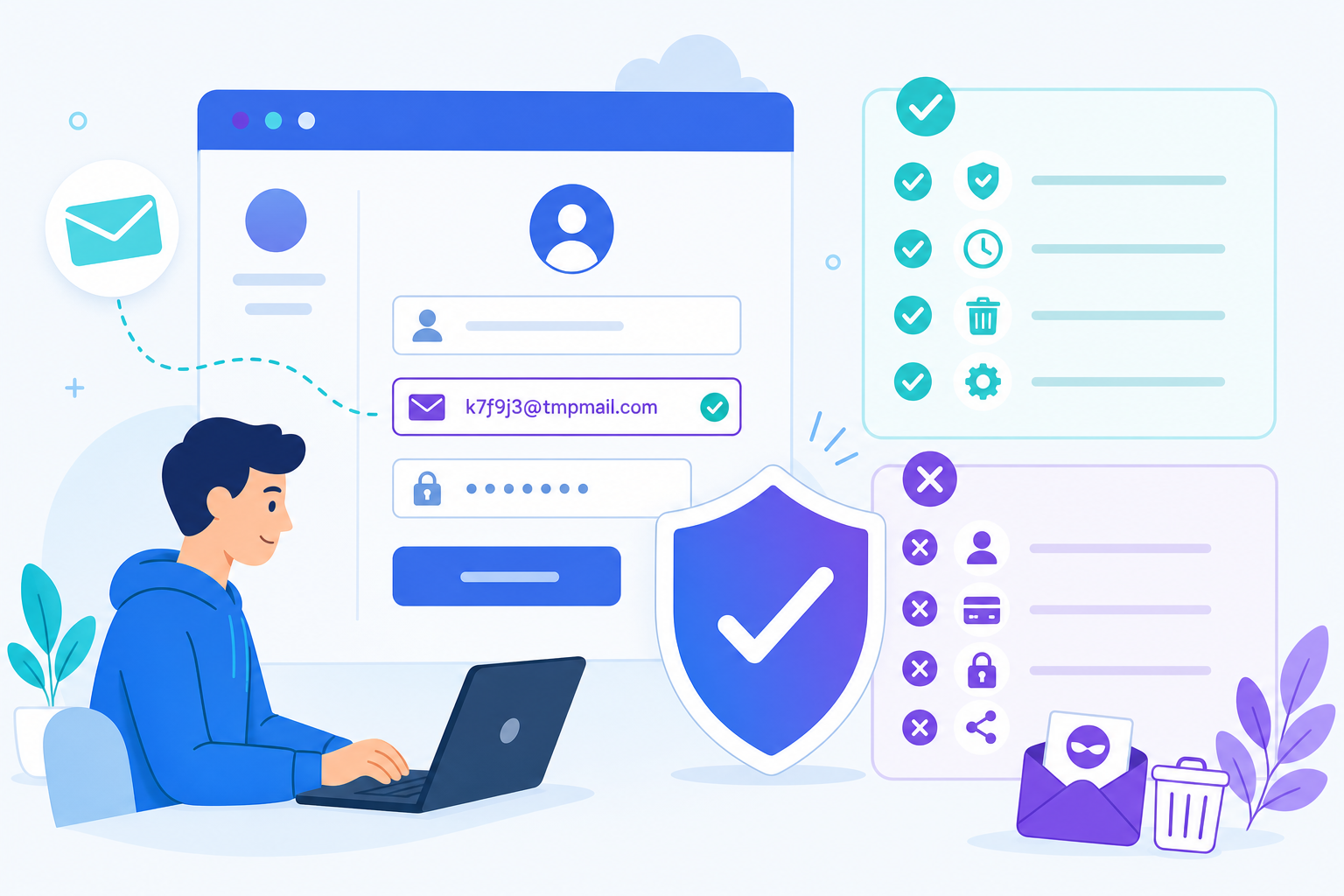
Temporary email is easy to use, but a few smart habits make it far more reliable — especially for signups that fight back against disposable domains. Here are the best practices we recommend.
1. Copy the address, don’t retype it
Auto-generated addresses are precise. Use the one-click copy button to avoid typos that send your code into the void.
2. Pick the right domain
Some sites block specific disposable domains. TempMailGo offers 10+ domains — if one is rejected, switch to another (like a .online, .net, or .dev) and try again.
3. Use a custom username when needed
Certain validators dislike random strings. A clean custom username like john.doe can slip through where xk29fj gets flagged.
4. Act before the timer runs out
Both the OTP and the inbox expire. Complete the verification promptly, and use the extend button if you need more time.
5. Save the inbox if you’ll need it again
If you might need to receive a follow-up email, use the QR code / save feature to restore the same inbox later instead of losing access.
6. Don’t reuse an address for sensitive stuff
Treat each disposable address as single-purpose. Never route password resets for important accounts through temp mail.
7. Combine with other privacy habits
Temp mail hides your email identity, but pair it with strong, unique passwords and a password manager for the accounts that matter. For anonymity at the network level, add a VPN.
Follow these and disposable email becomes a frictionless part of your routine. Ready to try? Open your free inbox.